
To configure the integration, follow these steps:
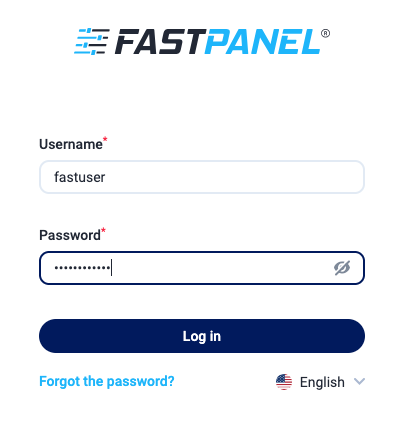
Step 1. Log in to the control panel as fastuser (you received the login credentials in the email).
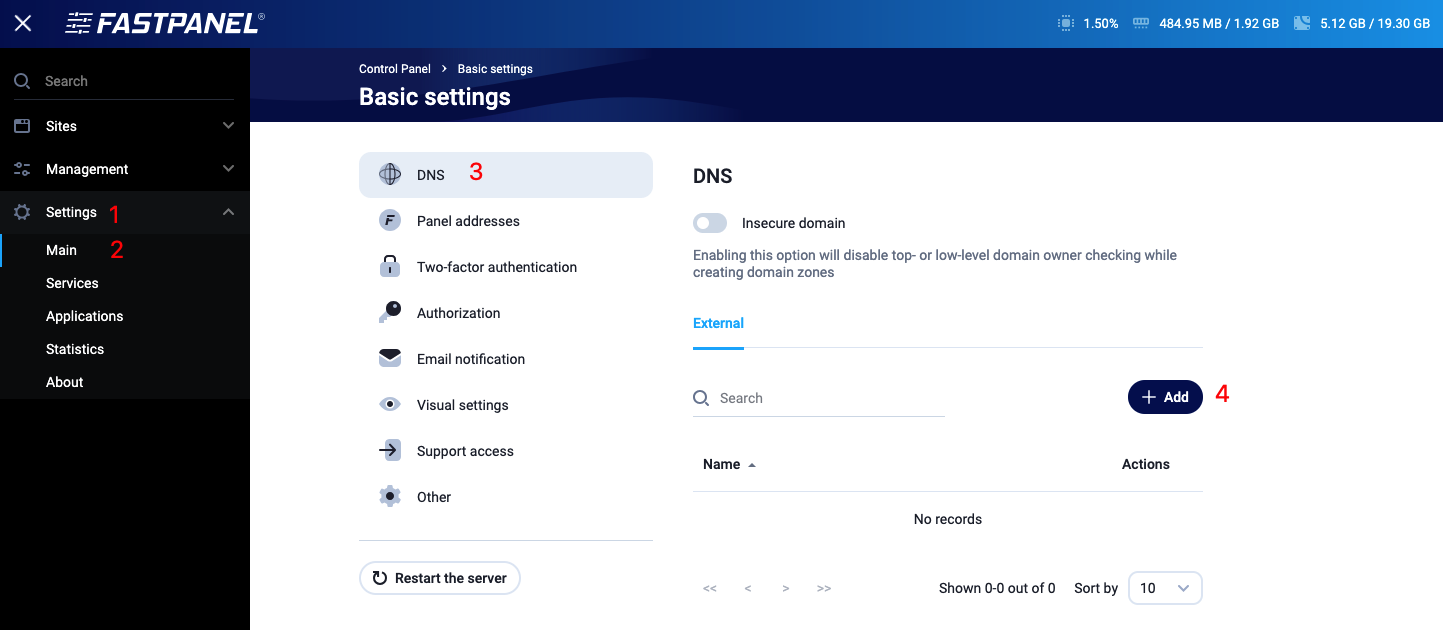
Step 2. Go to the menu item “Settings” → “Main” → “Add”.
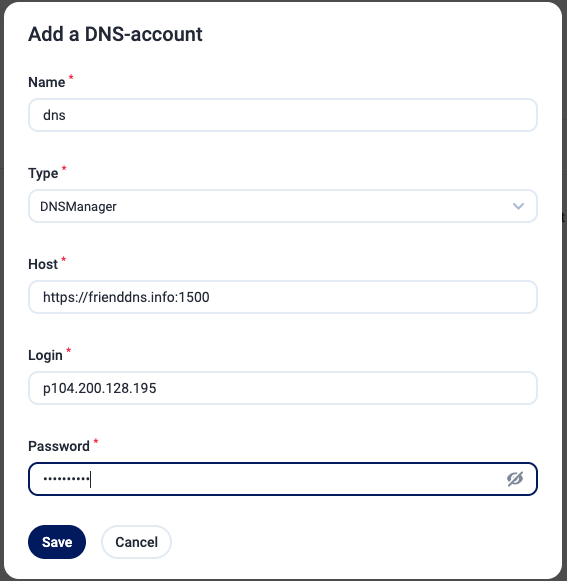
Step 3. In the corresponding form, enter the data from the email “DNS for domains delegation”. To receive this email with the settings, you need to order the service « DNS hosting provider » (free of charge). The “Name” field can be filled with any value.
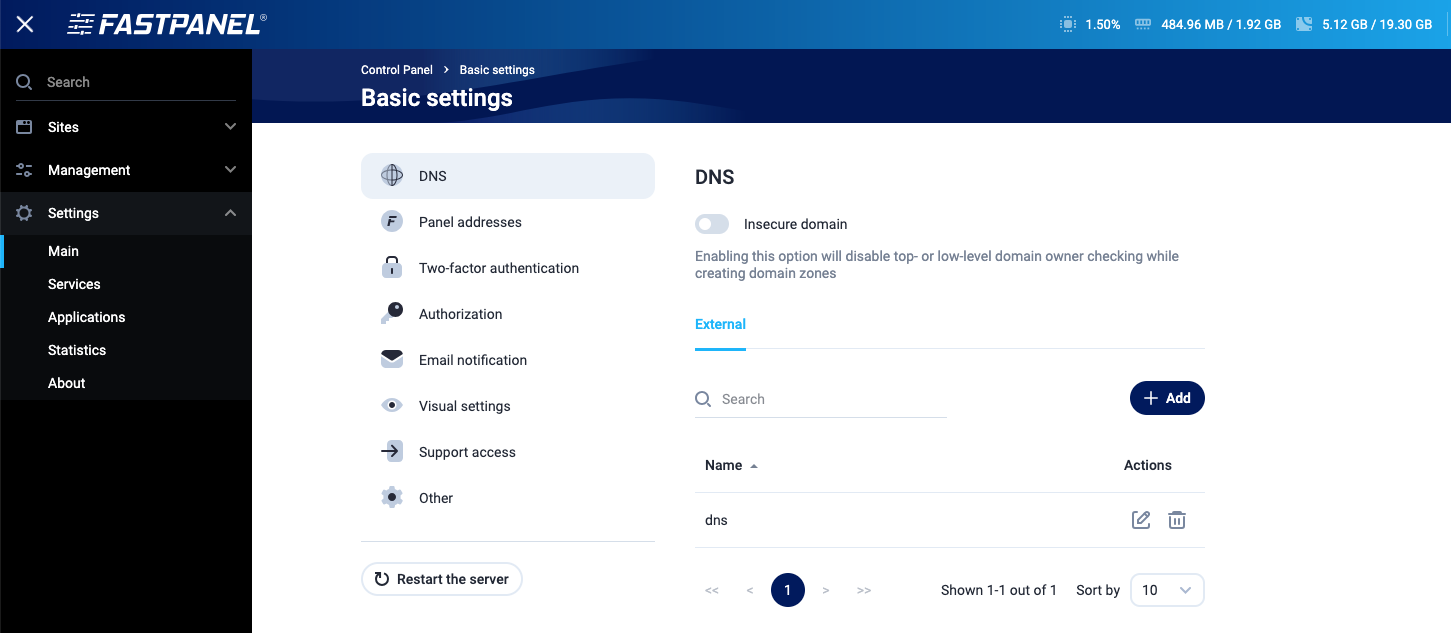
If everything was successful, you will see the newly configured DNS account.