
If you have forgotten the password for your personal account, you can recover it by following these steps:
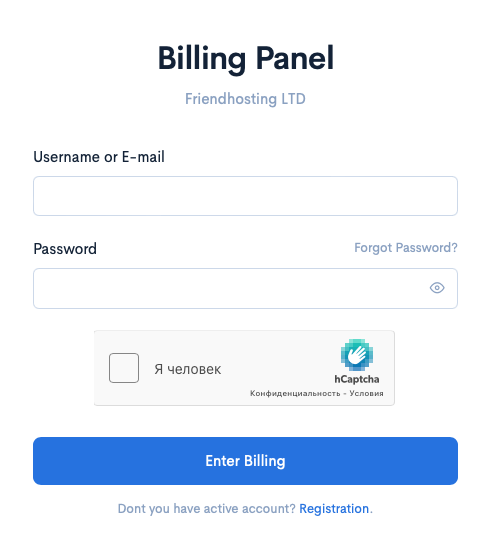
Step 1. Go to the login page and click on « Forgot Password? »
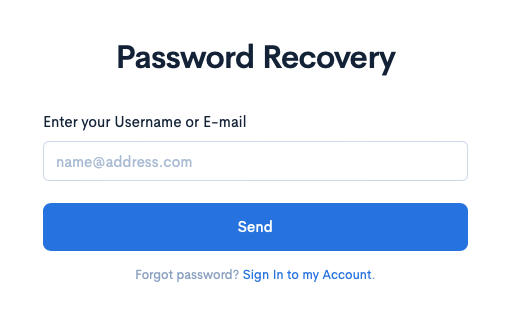
Step 2. Enter your primary email and click the « Send » button.
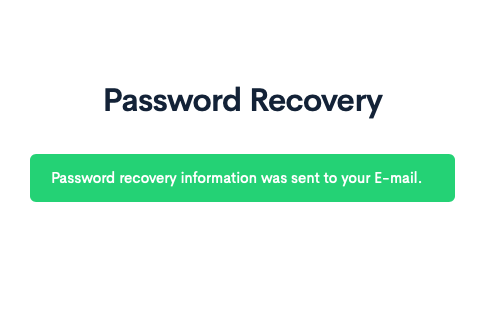
Step 3. Check your email and find the message with a link to reset your password. Click on the link provided in the email.
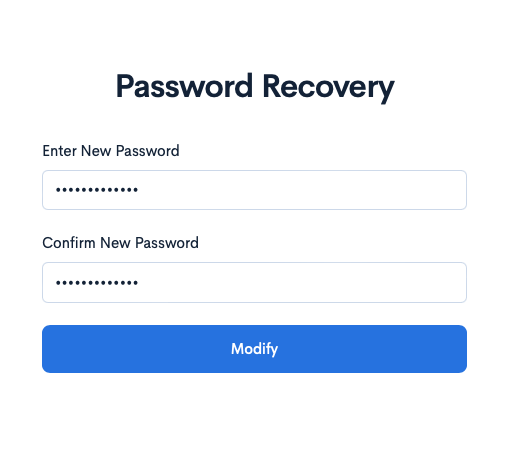
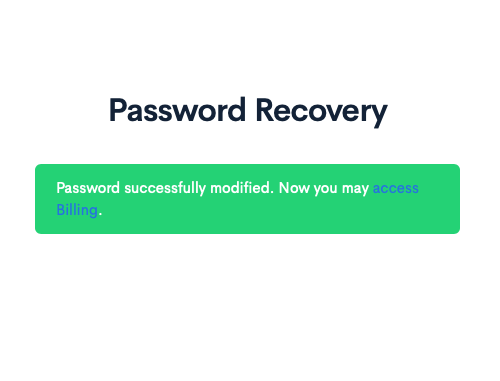
Step 4. Follow the link from the email, enter a new password, and confirm it. After successfully changing your password, you will see a confirmation message.