

To configure the integration, follow these steps:
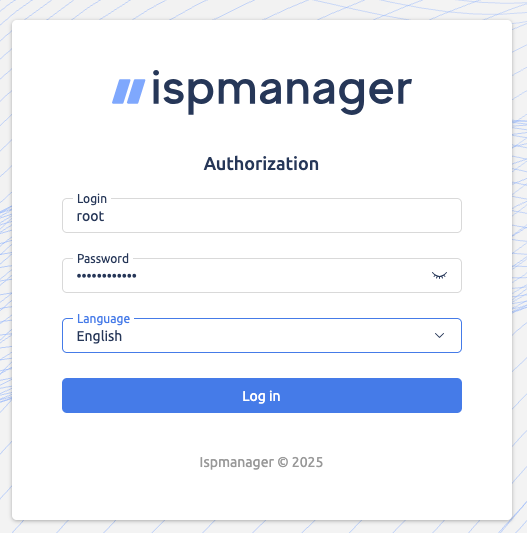
Step 1. Log in to the control panel as root (you received the login credentials in the email).
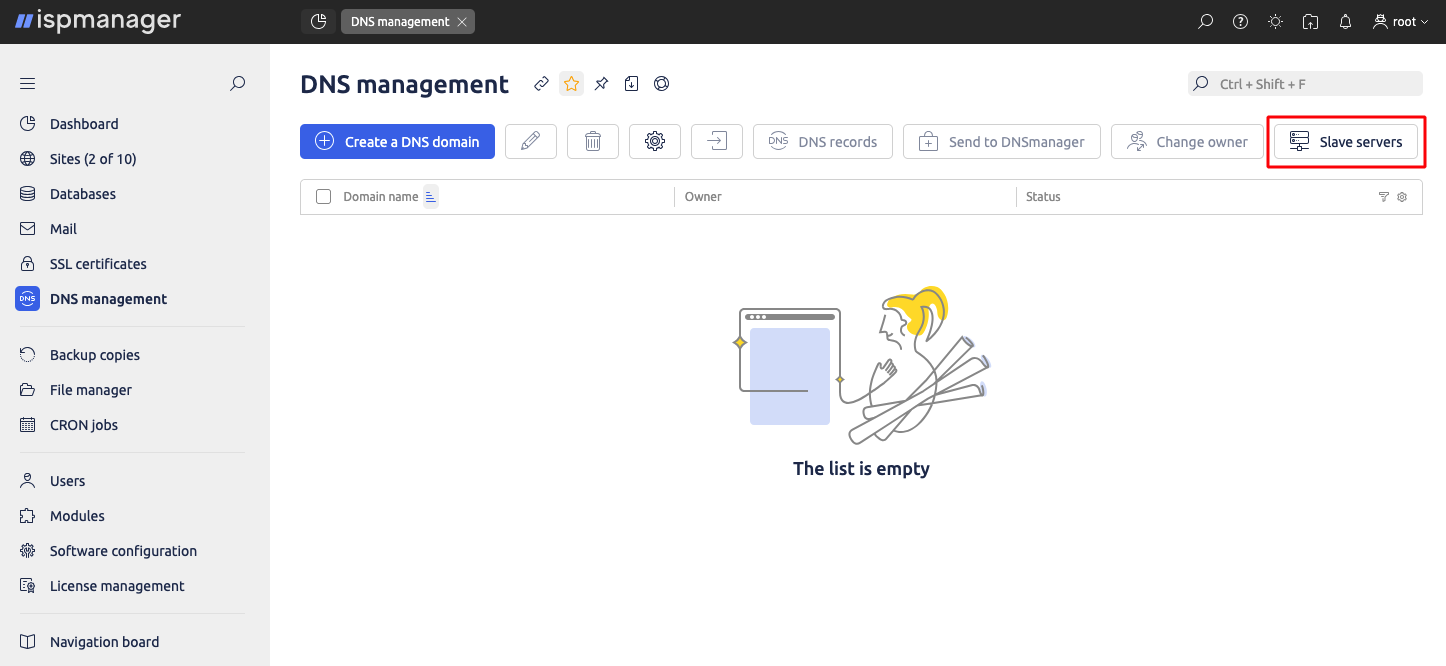
Step 2. Go to the menu item “DNS management” → “Slave servers” – “Add server”
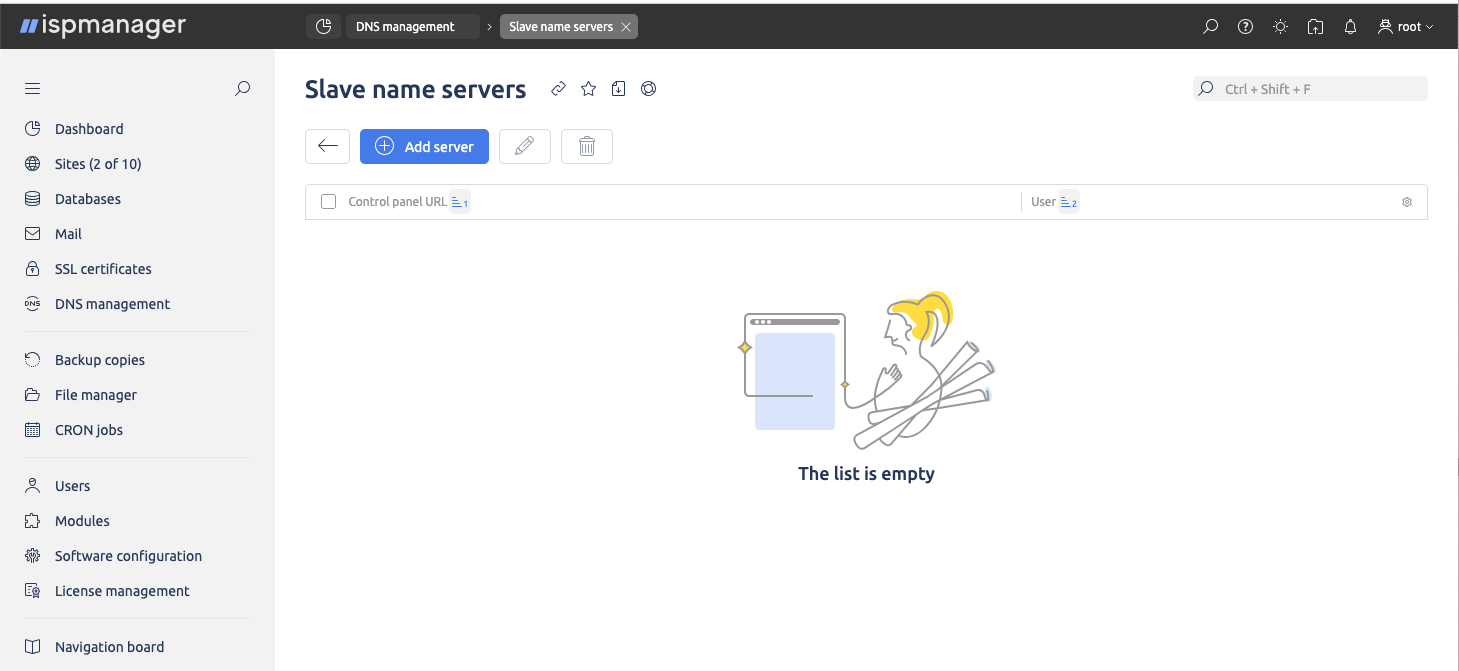
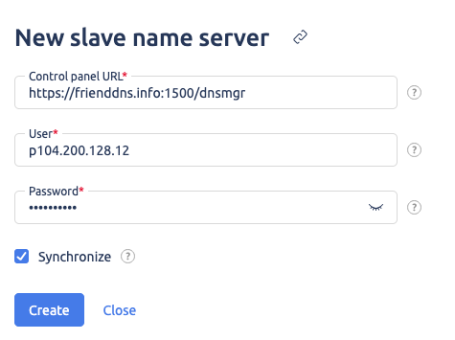
Step 3. In the corresponding form, enter the data from the email “DNS for domains delegation”. To receive this email with the settings, you need to order the service «DNS hosting provider» (free of charge). If sites have already been added, activate the ‘Synchronize’ checkbox. Click the ‘Create’ button.
If everything was successful, you will see the newly configured DNS server.
